What's new · PredictVIEW
Everything that arrives with PredictVIEW.
Faster to set up, clearer to follow and a response that reaches the people in the field.
Risk Library
Ready-made scenarios from the Dersalis science team, with guidance on when to use each one. Copy and adjust them to your operation, with versions you control.
- Filters by risk, operation and sensor
- When to use, and when not to, on every scenario
- Versions: you decide when to update
Flags heart rate above what the activity calls for.
Alerts when heart rate and body temperature indicate a risk of heat stress.
Live operation
See the whole operation on a map, in cards or in a ring view, with events as they happen and a panel for each worker.
- Map, cards and ring with each worker's state
- Events as they happen
- Workers identified by registration number
Live events
1234531 · Level 4
Incident handling
Register your handling actions. When a manager handles an incident, the message reaches the worker's app and the confirmation is recorded.
- Handling actions registered by your company
- Full-screen message on the worker's app
- “Acknowledged” confirmation recorded in the history
Handle incident
1234531 · Fatigue while driving
Handling action
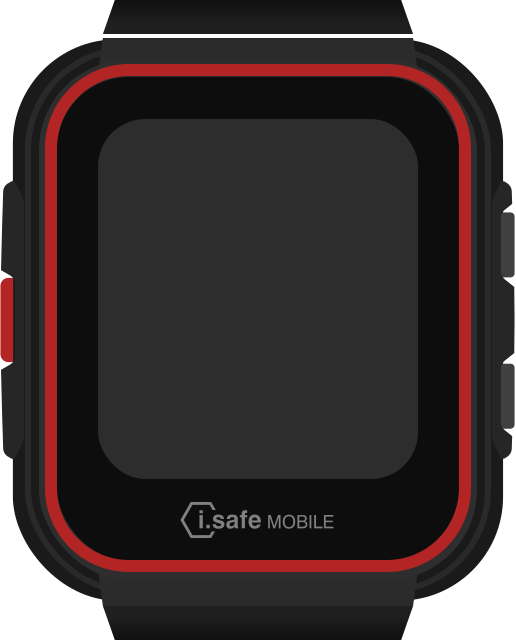
Message from your manager
Stop the vehicle in a safe place and rest for 15 minutes before driving on.
Worker's IS-SW watch
Devices and operations
Know who uses each device, its status and battery, and organize monitoring by named operations.
- Who uses each device, with status and battery
- Operations with a name and an access key
- Monitorings created inside the operation
Devices
Operations
Industries
Built for operations where the risk is human
Choose the industry and see the risk scenarios and readiness tests that fit it, and which sensors work with each one.
See PredictVIEW in your operation
Talk to an expert and see the platform with your company's data.
Available in Portuguese, English, Spanish and Japanese.